Logs
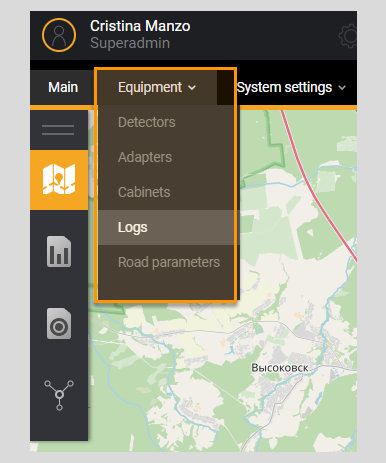
The system implements logging of equipment operation. Menu item Logs is designed to view information about the operation of equipment.
The user has access to a filter for searching information and a list of logs. The filter specifies parameters for searching logs in the list. Next to the list name Logs, information about the total number of logs in the System is displayed.
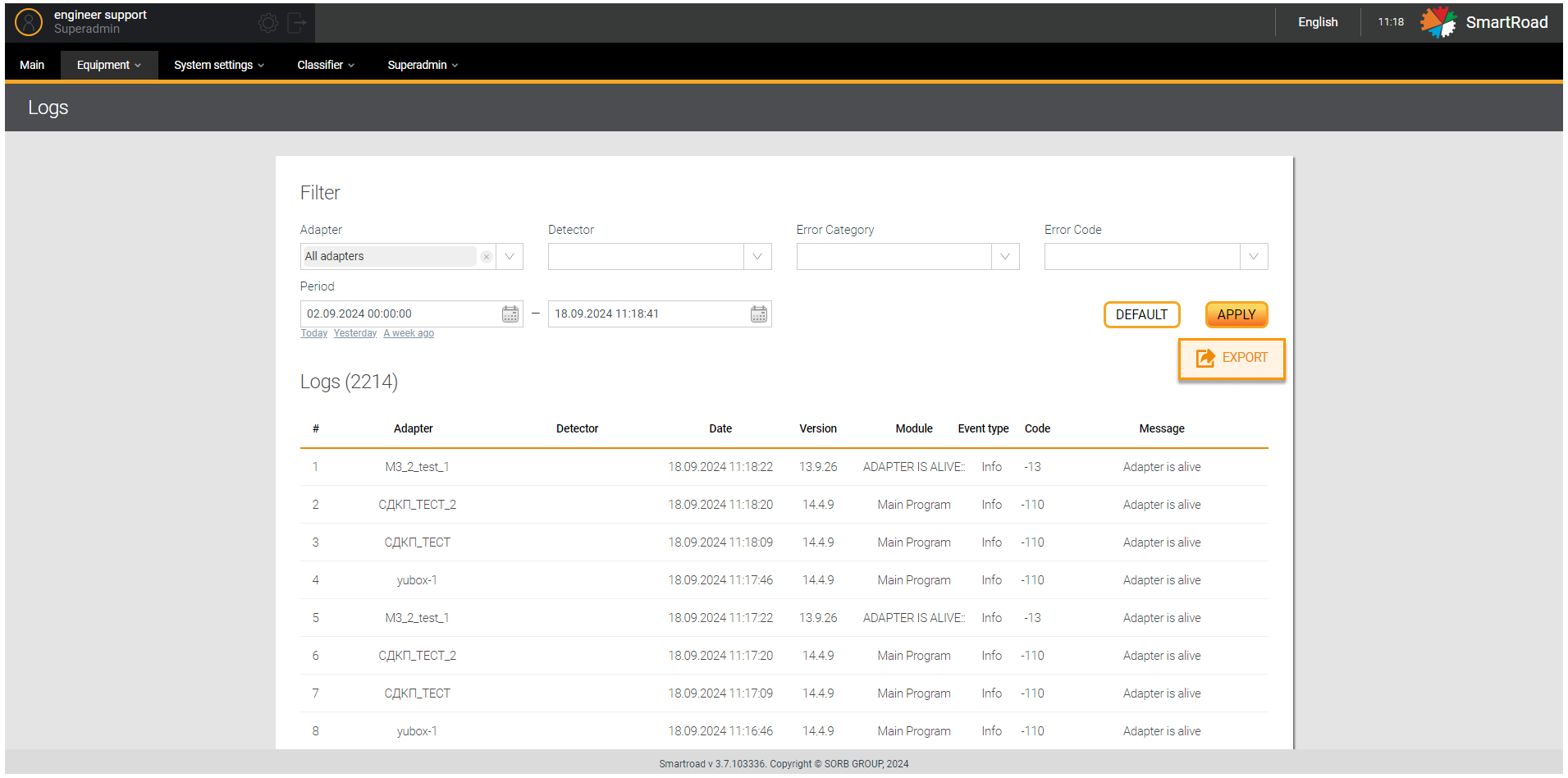
In the next table are described the Log filter parameters.
| Parameter | Description |
|---|---|
| Adapter | In the drop-down list, the user is shown a list of adapters registered in the System. The choice is made by checking the checkbox. By default, all adapters are selected |
| Detector | In the drop-down list the user is shown list of detectors registered in the System. The choice is made by checking the checkbox. By default, no detectors are selected. |
| Error category | In the drop-down list, the user is shown a list of error categories registered in the System - messages from the adapter about an error in a certain part of the System (Main program, Rabbit, DB, etc). The category is selected by checking the checkbox. No category selected by default. |
| Error code | In the drop-down list, the user is shown a list of error codes registered in the System. The choice is made by setting checkbox. No code is selected by default. |
| Period | In the calendar, enter the date and time to search for logs in the list with a specific date. The values from and to are indicated. Below the period entry field where are buttons for quickly selecting the period:- Today - Yesterday - Week ago By clicking on the quick period selection buttons, the System will automatically substitute the selected period. |
| Apply | Button for applying log building parameters. When clicked, the System generates a list of logs and displays it to the user |
| Reset | Filter parameters reset button. By clicking on the button, all filter parameters entered by the user are returned to their default values. |
| Export | A button for uploading the generated list of logs to an external Excel file. The file is uploaded to the user's PC |
In addition, the list of logs is intended for viewing records of errors that occur during equipment operation. Next to the list name Logs, information about the total number of logs in the System is displayed.
Below you can find the Log list parameters.
| Parameter | Description |
|---|---|
| # | The serial number of the entry in the list |
| Adapter | The name of the adapter that interacts with detector in which an error occurred or a status change message was received |
| Detector | Name of the detector in whose operation the error occurred and a status change message arrived |
| Date | Date and time the log was recorded by the System |
| Version | Version of the adapter that sent the message |
| Module | The module from which the message came |
| Event type | Message type: - Information - Warning - Error |
| The code | Identification number of error categories registered in the System |
| Message | Message about status change according to error code |